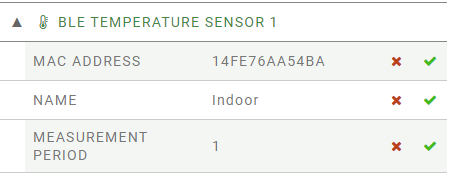
P1 - CONFIGURATION Using Avior.Suite or the cloud platform enter the MAC address reported on your temperature sensor as identifier for one of 4 available sensors. Assign a meaningful name and the measurement period. Bluetooth must be active in OBSERVER mode. Once the sensor is paired you will be able to read the temperature, the loss of connection and the battery level.
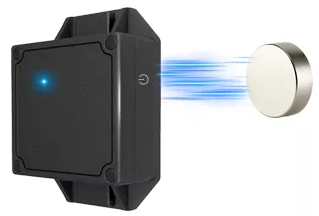
To turn on the sensor: Put a magnet near the symbol To turn off the sensor: Put a magnet near the symbol
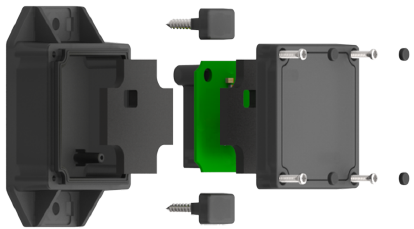
When the battery is low the led flashes red, remove the 4 rubber caps and unscrew the 4 screws to open and replace the battery.
|
Accessories